
Download HDDScan – Hard Drive Health Monitor, S.M.A.R.T. Analysis, Data Loss Prevention
Overview
HDDScan – это специализированная утилита, предназначенная для помощи пользователям в мониторинге состояния и производительности их накопителей. Приложение предоставляет информацию в реальном времени о состоянии жёсткого диска, позволяя раннее обнаружение потенциальных отказов. Анализируя критические параметры, такие как атрибуты S.M.A.R.T. и рабочую температуру, HDDScan помогает пользователям защищать ценные данные до того, как произойдёт необратимое повреждение. Этот инструмент особенно полезен для людей и организаций, которым необходим постоянный доступ к хранимой информации, включая фотографов, видеомонтажёров, системных администраторов и домашних пользователей, управляющих большими цифровыми библиотеками.
Благодаря широкой совместимости с различными типами дисков — включая IDE, SATA, SCSI, USB и RAID‑тома — HDDScan предлагает гибкое решение для разнообразных аппаратных конфигураций. Приложение поддерживает как внутренние, так и внешние системы хранения, делая его универсальным выбором для пользователей со смешанными средами хранения. Хотя разработчик не предоставил дополнительных технических деталей о архитектуре или фоне программы, её функциональность соответствует установленным лучшим практикам защиты данных.
Практические сценарии использования включают регулярные проверки состояния перед крупными передачами данных, диагностику перед резервным копированием и устранение проблем с медленными или нестабильными дисками. В более широком экосистеме приложений HDDScan заполняет критическую нишу, предлагая сфокусированный, без излишеств инструмент для проактивного обслуживания хранилищ. Возможность предоставлять практические выводы без необходимости продвинутых технических знаний повышает её доступность и полезность.
Key Features & Functionality
- Wide Compatibility: Supports a broad range of storage devices, including IDE, SATA, SCSI, USB, and RAID volumes, ensuring seamless operation across diverse hardware configurations.
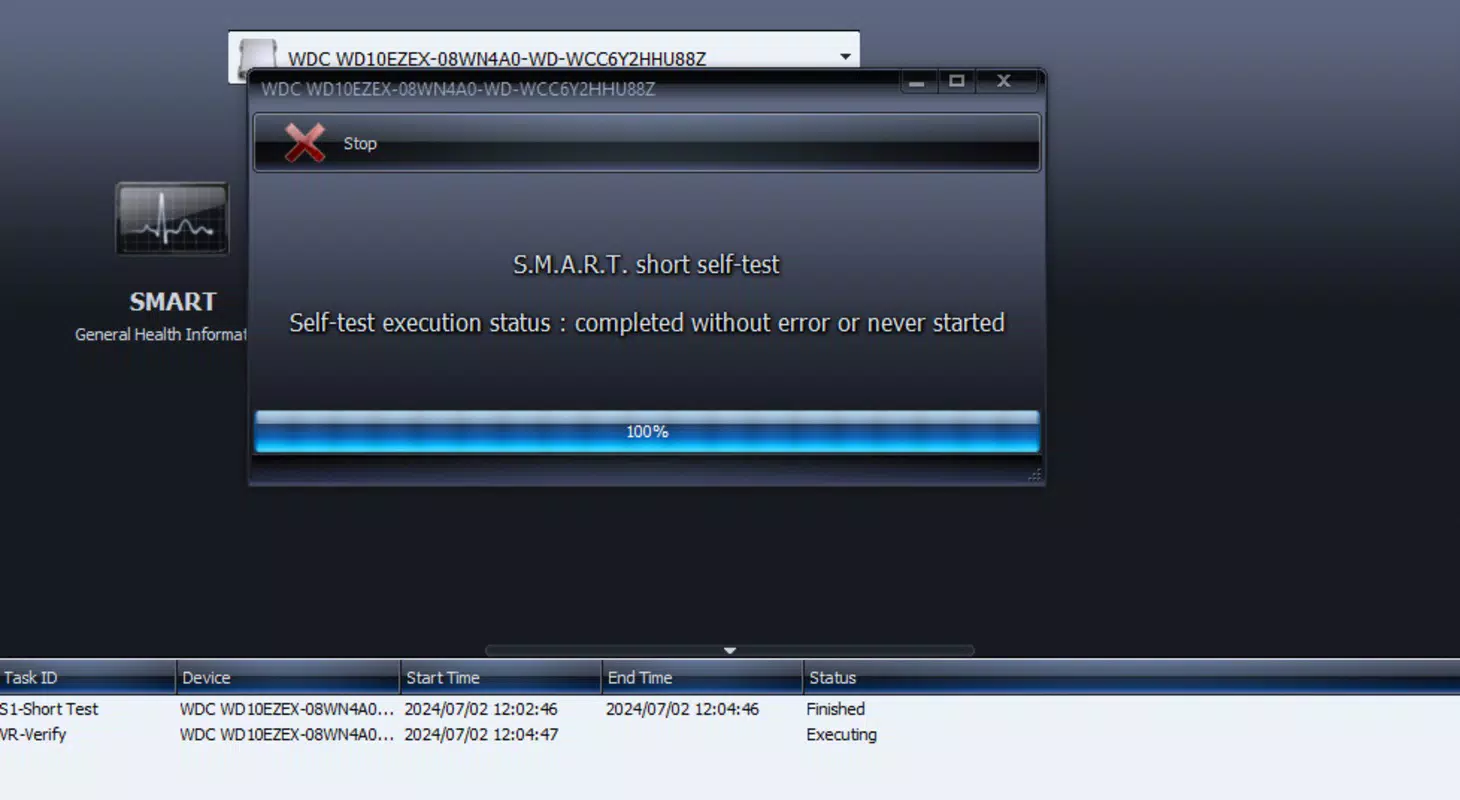
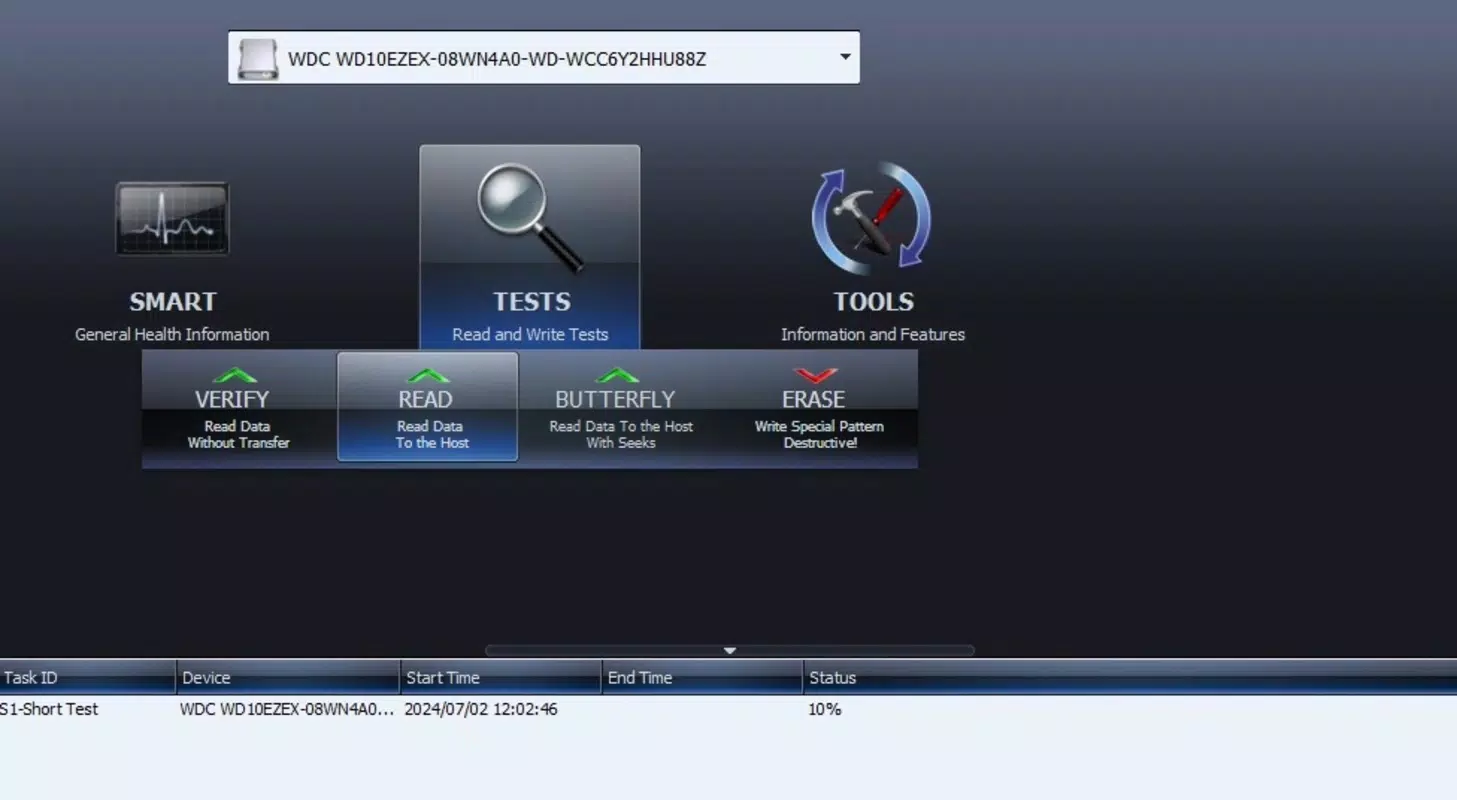
- Health Analysis Processes: Offers multiple diagnostic modes, including Linear Mode Verification, which allows for rapid assessment of disk integrity and early identification of potential issues.
- S.M.A.R.T. Analysis: Conducts a detailed evaluation of critical S.M.A.R.T. attributes, providing users with a comprehensive view of their drive’s long-term reliability and performance trends.
- Report Printing Options: Enables users to generate and print health reports, which can be used for documentation, audits, or sharing with IT personnel.
- Data Loss Prevention: Promotes proactive data protection by alerting users to signs of drive deterioration, allowing timely backups and risk mitigation.
For example, a content creator preparing to transfer years of video footage can run a full S.M.A.R.T. scan to ensure the target drive is stable. Similarly, an IT technician managing multiple servers can use HDDScan to verify the health of RAID arrays without relying on complex enterprise tools. These use cases demonstrate how the app delivers practical value in both personal and professional environments.
Interface, UX & Performance
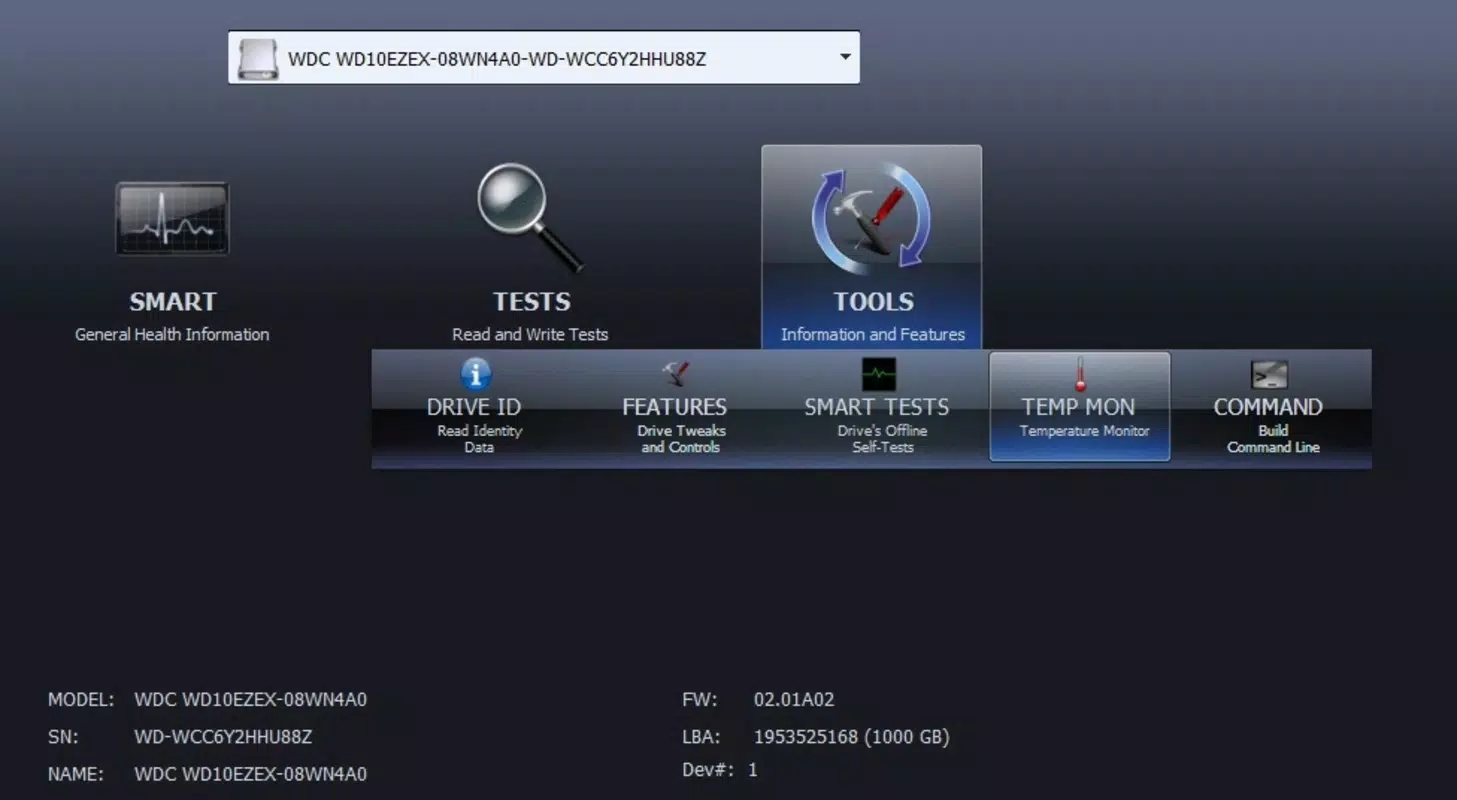
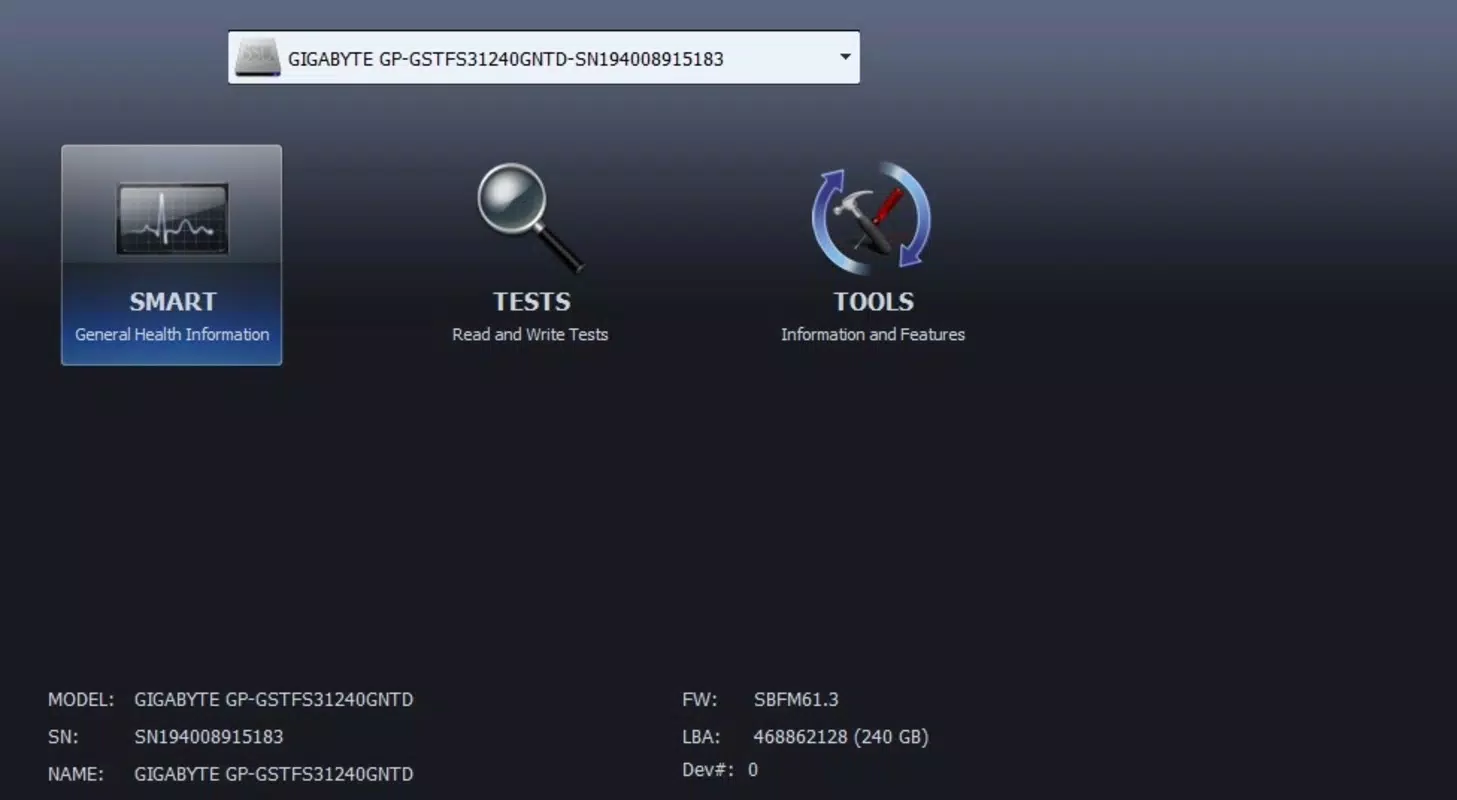
The user interface of HDDScan is designed with functionality and clarity in mind. The layout is straightforward, focusing on essential diagnostic tools without unnecessary distractions. Navigation is intuitive, allowing users to select drive types, initiate scans, and view results with minimal steps. Visual indicators—such as color-coded status outputs (e.g., green for healthy, red for failing)—enhance readability and immediate comprehension of drive conditions.
Although the developer did not list formal performance metrics, the application appears optimized for responsiveness across different device categories. Users can expect stable operation during extended scans, with minimal impact on system resources. The app maintains consistent performance during data-intensive tasks, ensuring accurate readings without system lag. Stability is particularly important during long verification processes, where interruptions could compromise diagnostic accuracy.
While specific details on touch responsiveness or adaptive layout for different screen sizes were not disclosed, the interface appears well-suited for desktop environments. Users may experience varying levels of usability on smaller mobile screens, depending on their device’s resolution and input method. The overall user experience remains focused on delivering reliable diagnostics with minimal learning curve.
Platform Compatibility & Technical Requirements
HDDScan is available for Windows-based systems, supporting a range of operating environments. The software has been released on July 2, 2024, and is currently available in version 2024-07-02. The application’s file size is 1.7 MB, making it a lightweight download ideal for users with limited storage space or slower internet connections.
Although the developer did not specify minimum OS requirements, the application is designed to operate on standard Windows platforms. Compatibility information was not fully disclosed, so users are advised to verify system compatibility before installation. The app does not appear to require additional software dependencies, contributing to its ease of deployment across different setups.
Pros and Cons
Pros
- Lightweight design with a small file size of 1.7 MB
- Supports a wide variety of storage drive types and interfaces
- Provides detailed S.M.A.R.T. analysis for proactive failure detection
- Offers clear visual feedback with color-coded health indicators
- Includes report printing functionality for documentation purposes
Cons
- Developer did not provide specific OS compatibility details
- No mobile or cross-platform support confirmed
- Interface may not be fully optimized for touch-based devices
- Limited information on update frequency and support lifecycle
- No built-in automatic alert system for failed drives
FAQ
Is HDDScan safe to download and use?
Yes, HDDScan is a legitimate utility developed for monitoring hard drive health. It does not contain malware or adware, and it operates directly on system storage without modifying critical files.
Can HDDScan be used on mobile devices?
The developer did not specify mobile compatibility. The application is primarily designed for desktop and Windows environments, and there is no confirmed version available for Android or iOS platforms.
Does HDDScan require administrative privileges?
While the developer did not explicitly state this, diagnostic tools like HDDScan typically require elevated permissions to access low-level drive data and S.M.A.R.T. attributes.
How often should I run a health check with HDDScan?
It is recommended to run a health check at least once a month for regular users, and more frequently for those managing critical data or using older drives.
Can HDDScan recover lost data?
No, HDDScan is not a data recovery tool. It is designed solely for monitoring drive health and detecting potential failures, not for retrieving deleted or corrupted files.
Final Thoughts
HDDScan stands out as a reliable, no-nonsense tool for anyone serious about protecting their digital assets. Its ability to analyze drive health through S.M.A.R.T. monitoring and real-time temperature tracking makes it a valuable addition to any data management strategy. While it lacks some advanced features like automated alerts or mobile access, its core functionality is robust and well-executed.
Users who prioritize data integrity—such as professionals handling large datasets, IT administrators, or long-term digital archivists—will find the most value in this application. The lightweight nature and straightforward interface ensure quick setup and minimal disruption to daily workflows.
For those seeking a secure, efficient way to monitor hard drive status and prevent unexpected failures, HDDScan delivers consistent performance with clear, actionable insights. Download HDDScan now to take proactive control of your storage health.


